
Interior design project management software
Plan phases, track tasks and timelines, manage budgets, approvals and communication in one calm workspace.
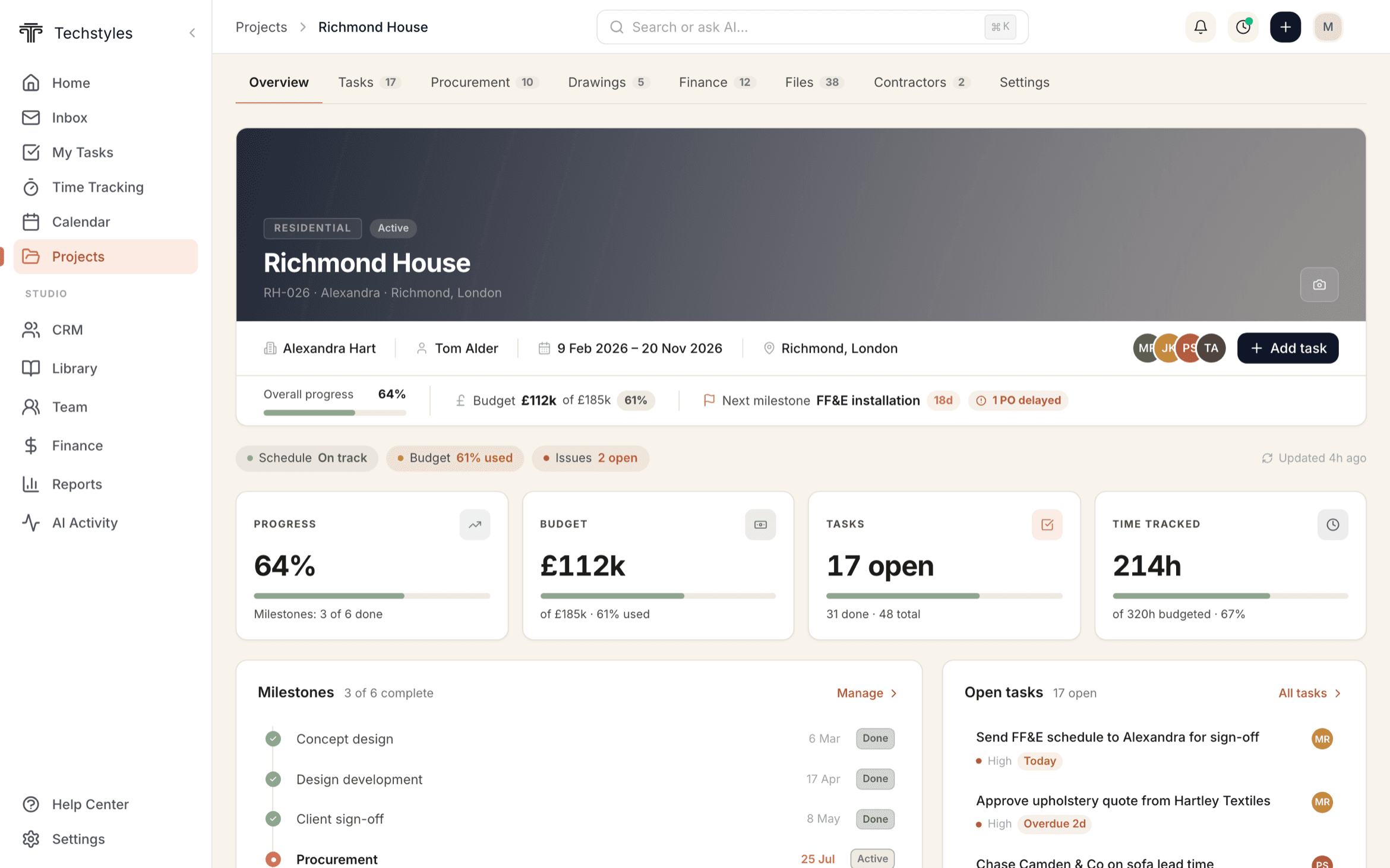
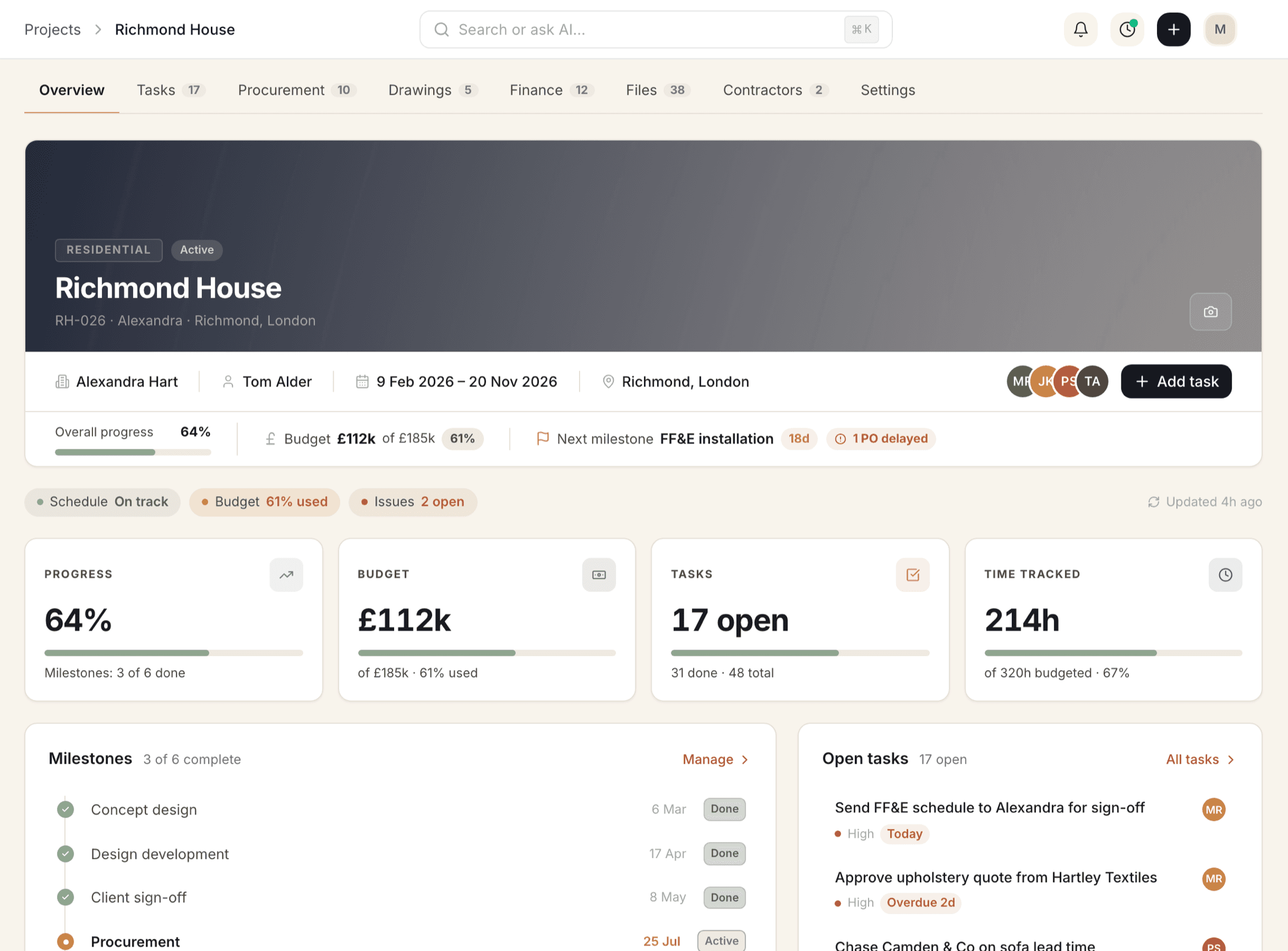
Everything in one live overview
Keep status clear across teams budget, margin, tasks, POs, and milestones update in real time.
- At‑a‑glance KPIs for each project
- Visual timeline for phases and installs
- One click to deep‑dive into tasks, docs or procurement
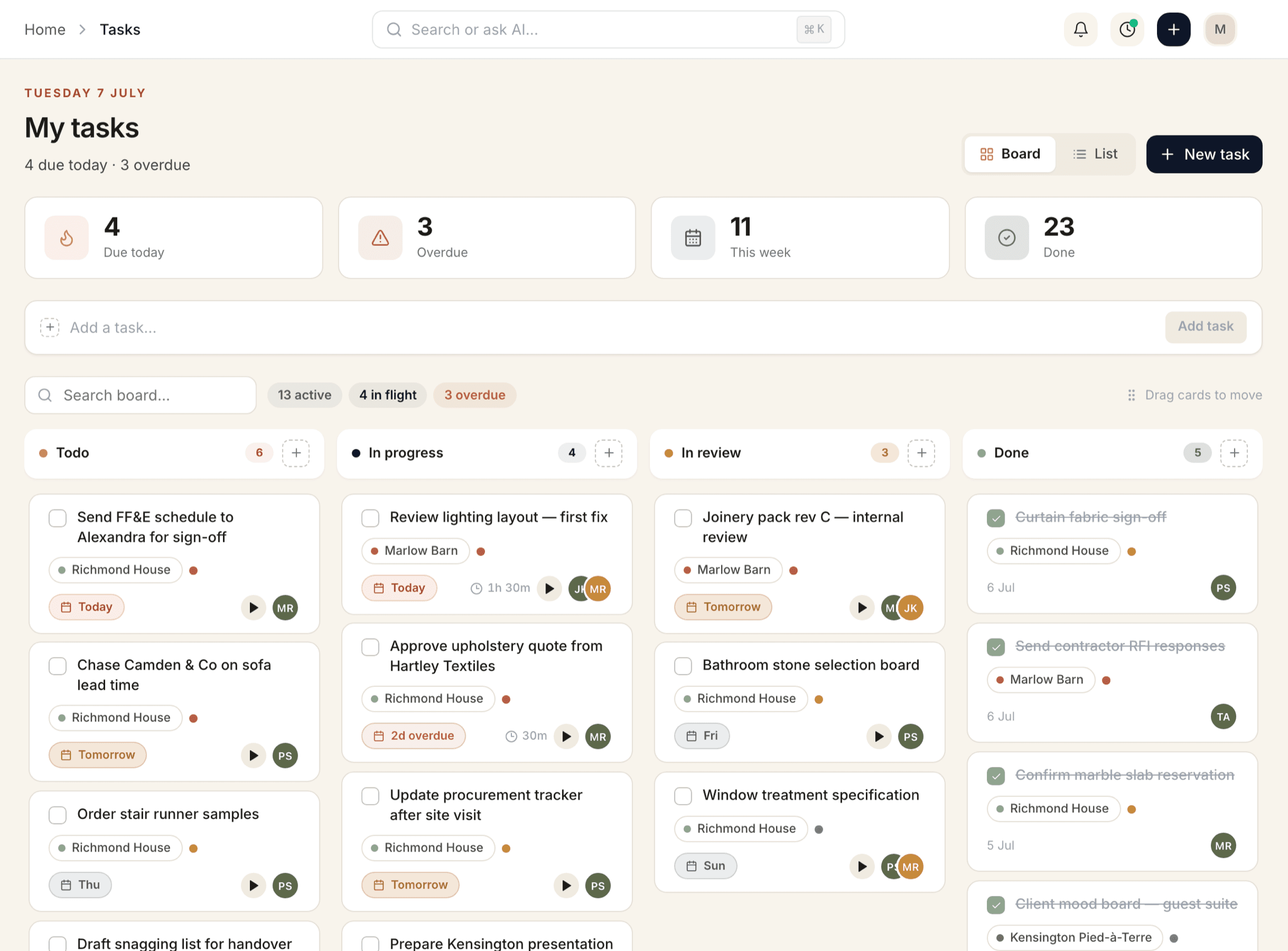
Plan phases. Track tasks. Stay on schedule.
Kanban, list or Gantt view, assign owners, set priorities, and keep work moving with smart reminders.
- Phase boards with badges, dates and assignees
- Auto reminders and dependency warnings
- Start a timer on any task — time rolls into time-tracking and billing
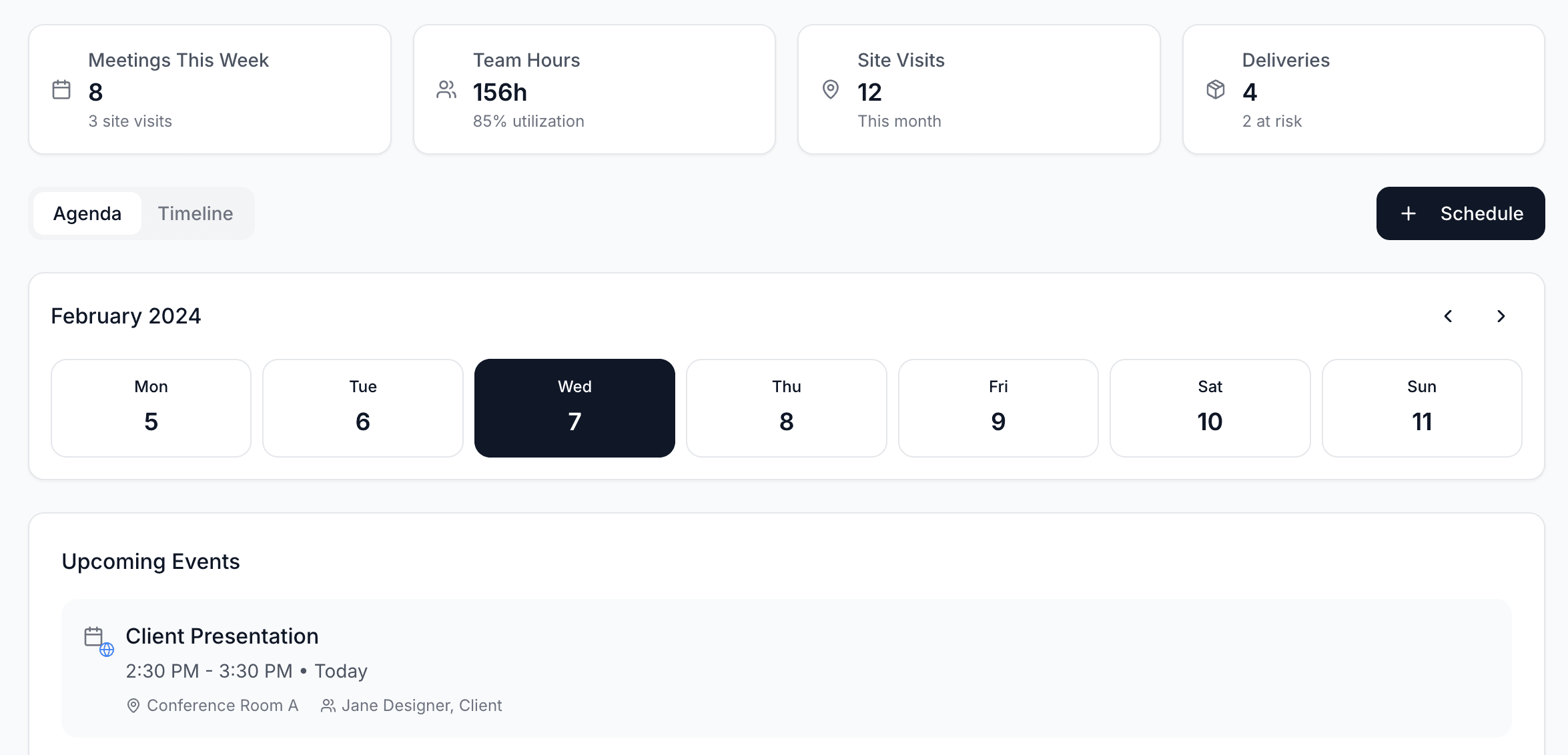
Schedule installs, site visits, and milestones
A studio calendar that reflects the reality of projects with agenda and timeline modes.
- Studio‑wide view of events, deadlines and deliveries
- Assign attendees and rooms, log hours, track visits
- Syncs with tasks and procurement statuses
Keep clients and vendors aligned
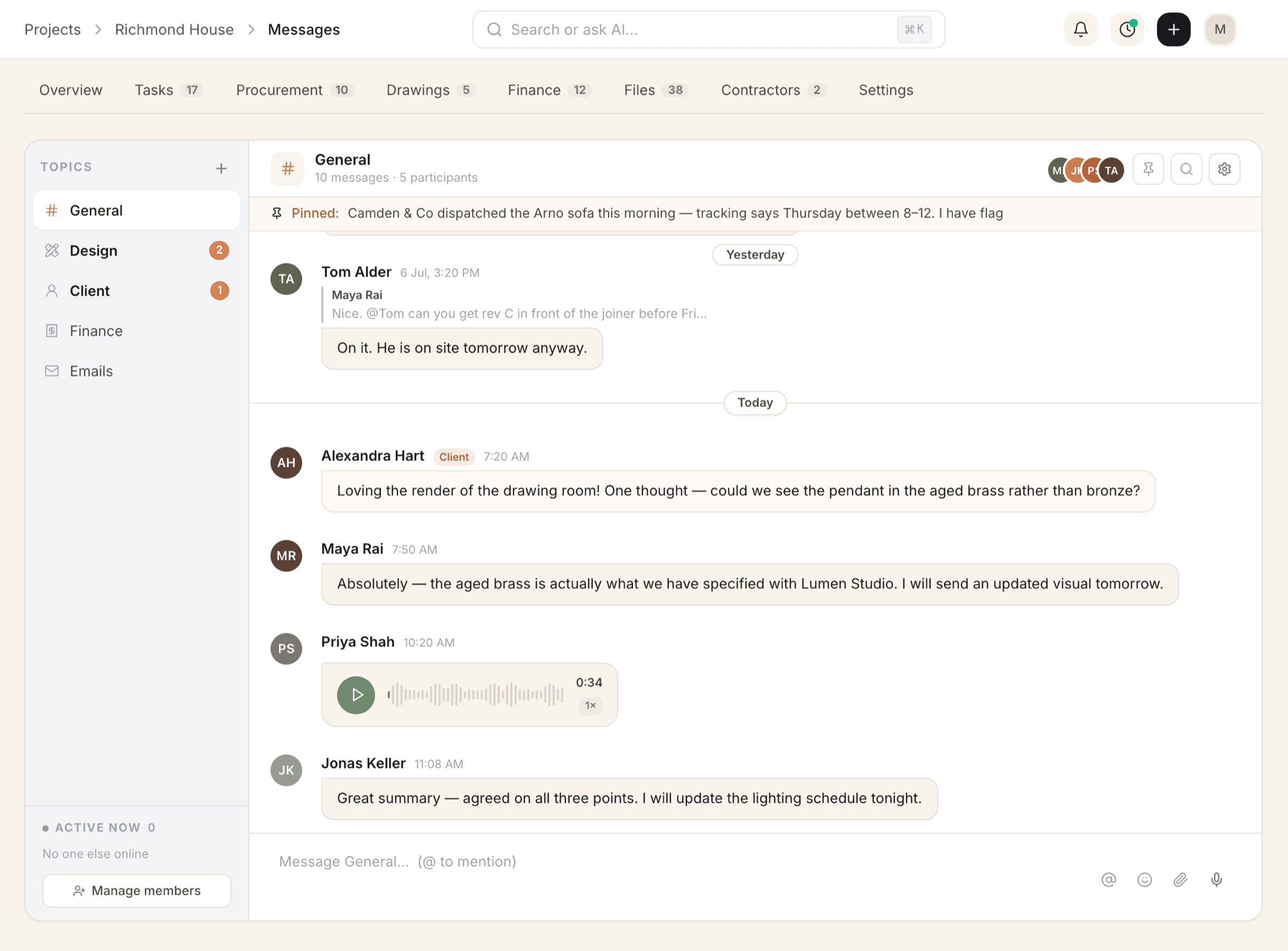
Project messaging channels for team and client threads — with voice notes, image previews, and quick actions that drive work forward.
- Pinned channels per project, searchable and organised
- Send voice notes and image previews alongside files and links
- Action‑required filter to clear blockers fast
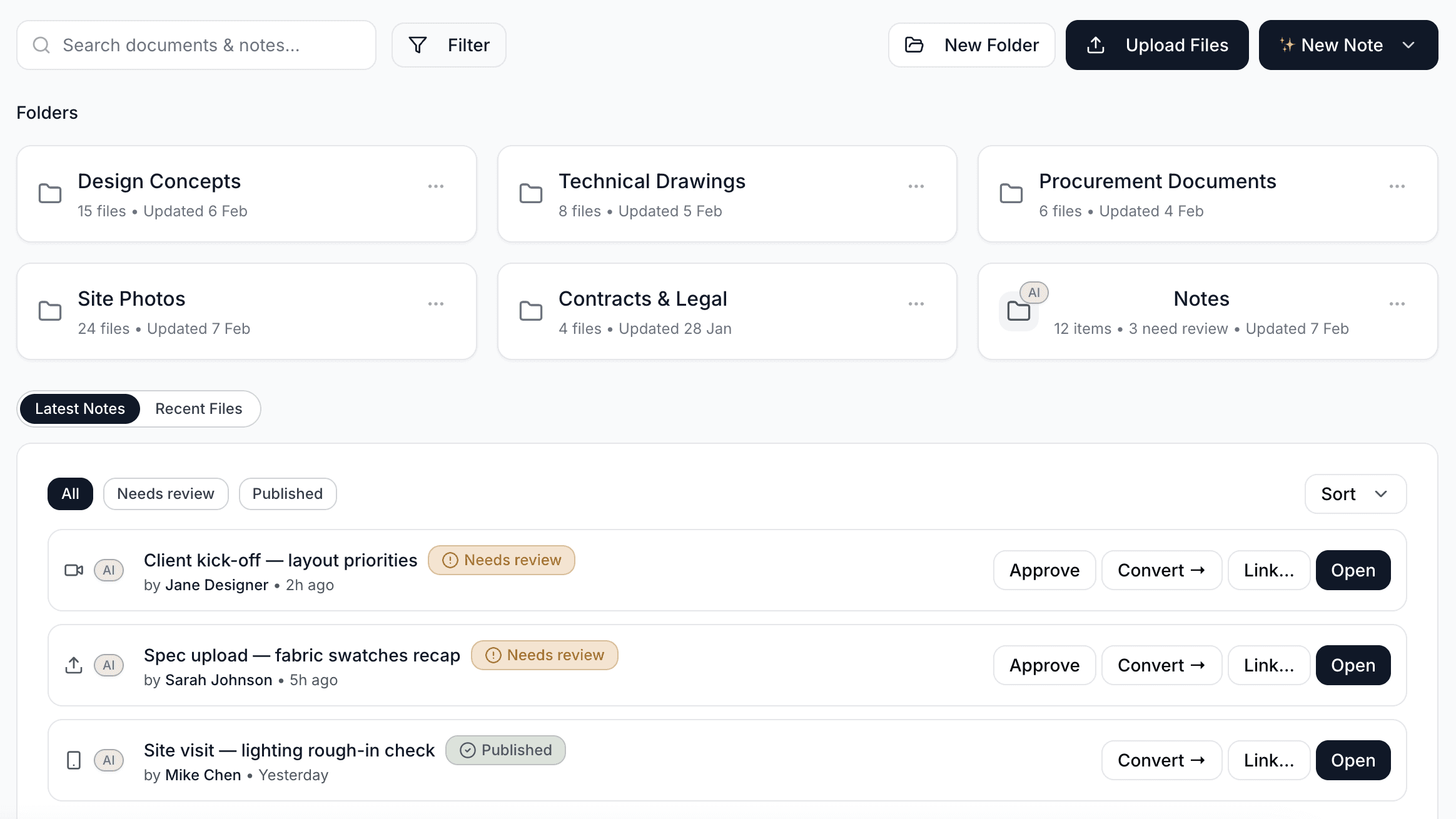
Drawings, photos, and files organised
Keep documents where the work happens. Drawing packages move through a 5-stage approval pipeline with versioning and contractor sharing.
- Folder templates for repeatable organisation
- Drag‑and‑drop uploads with quick previews
- Versioned drawing packages, shareable with contractors
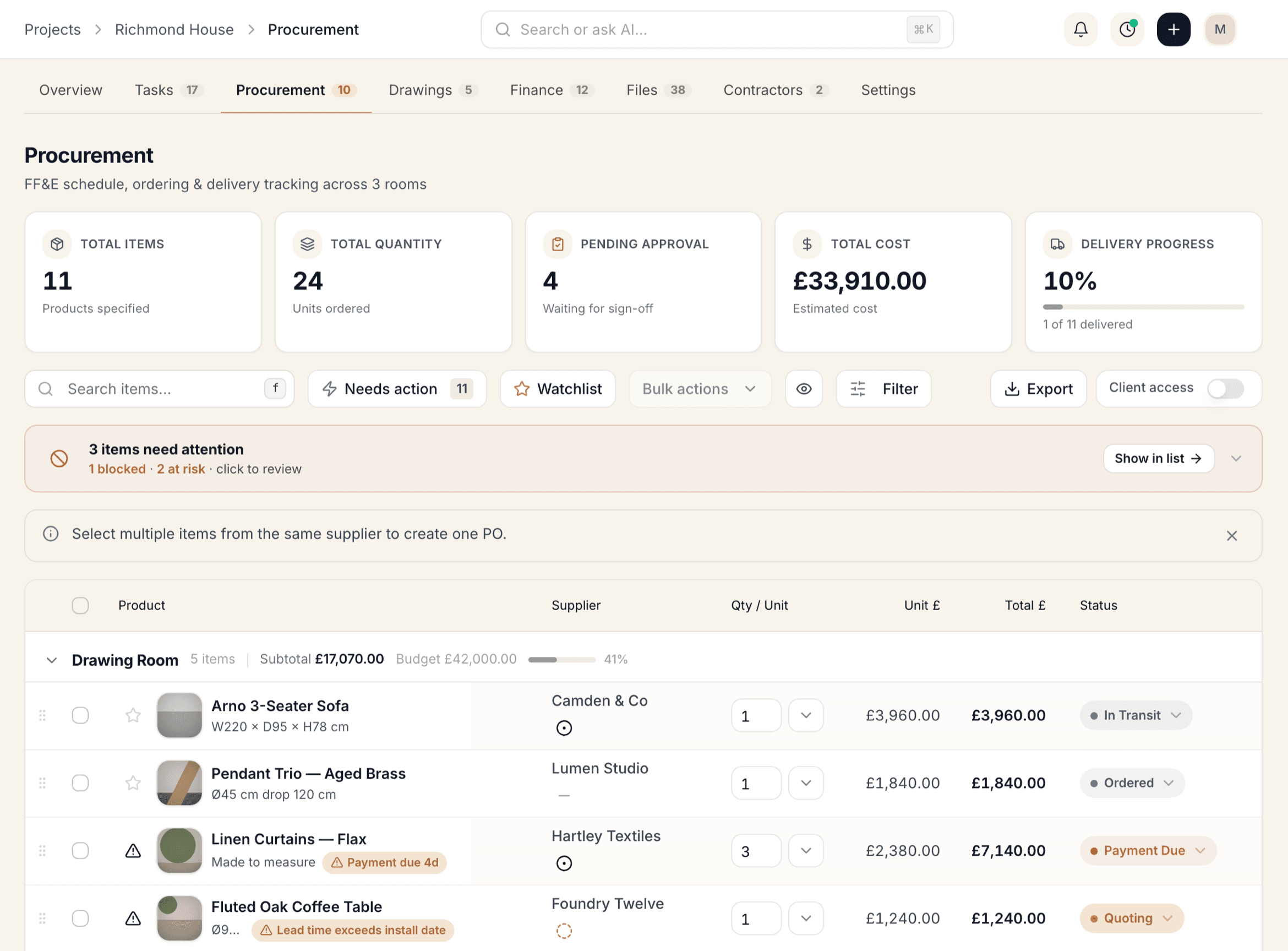
From spec to PO to install
Track lead times, deliveries, and approvals across every item - no spreadsheets required.
- Every item risk-scored: blocked, at-risk, watching or ok
- Generate POs, log receipts, and sync statuses
- Client‑ready views for transparent selections
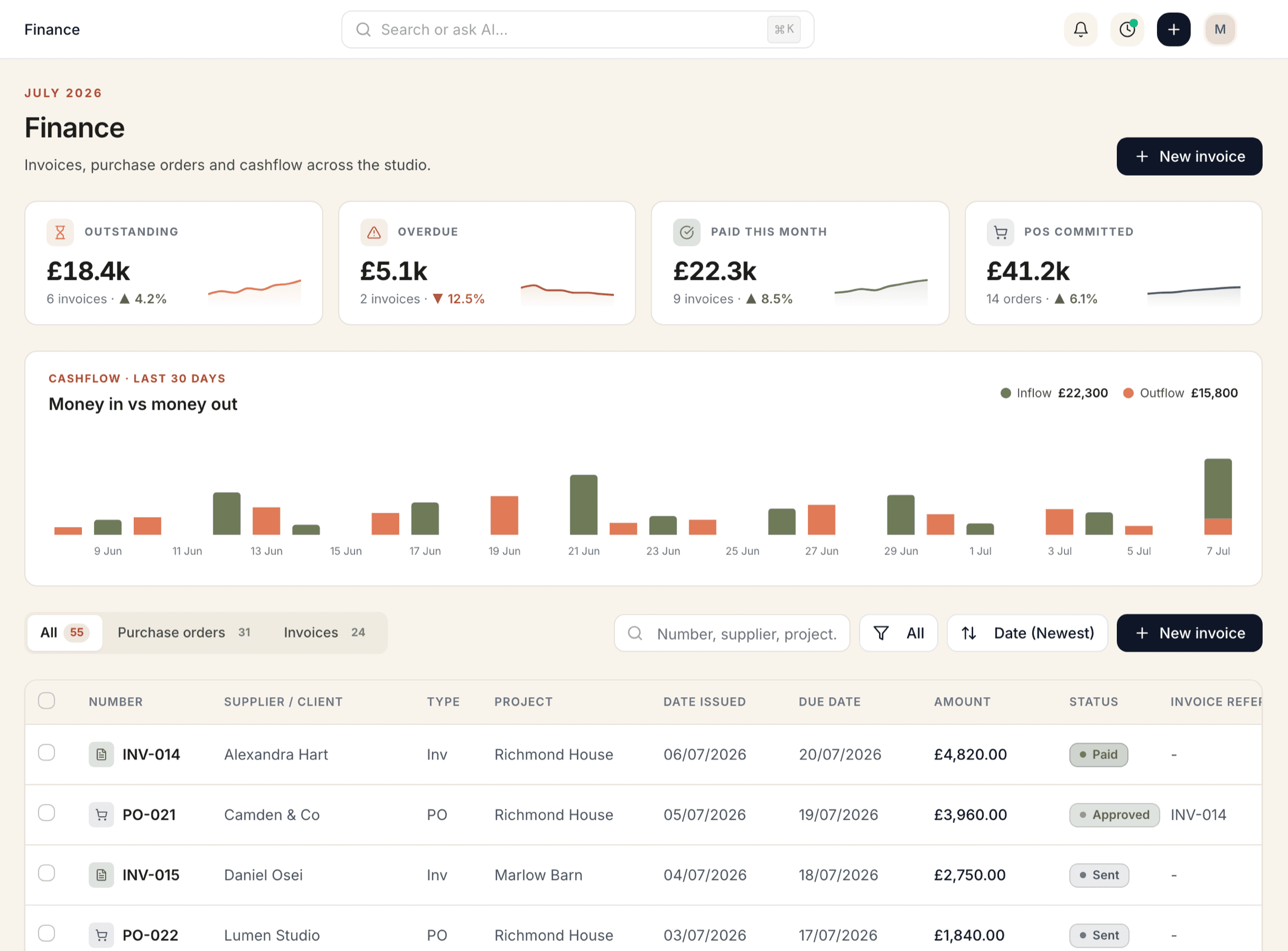
Proposals, invoices and payments automated
Create branded docs, track due dates, and sync with accounting. Get paid faster.
- Invoice and PO tracking in one table
- Status chips and quick filters for action
- Two-way Xero sync to keep books tight (QuickBooks coming soon)
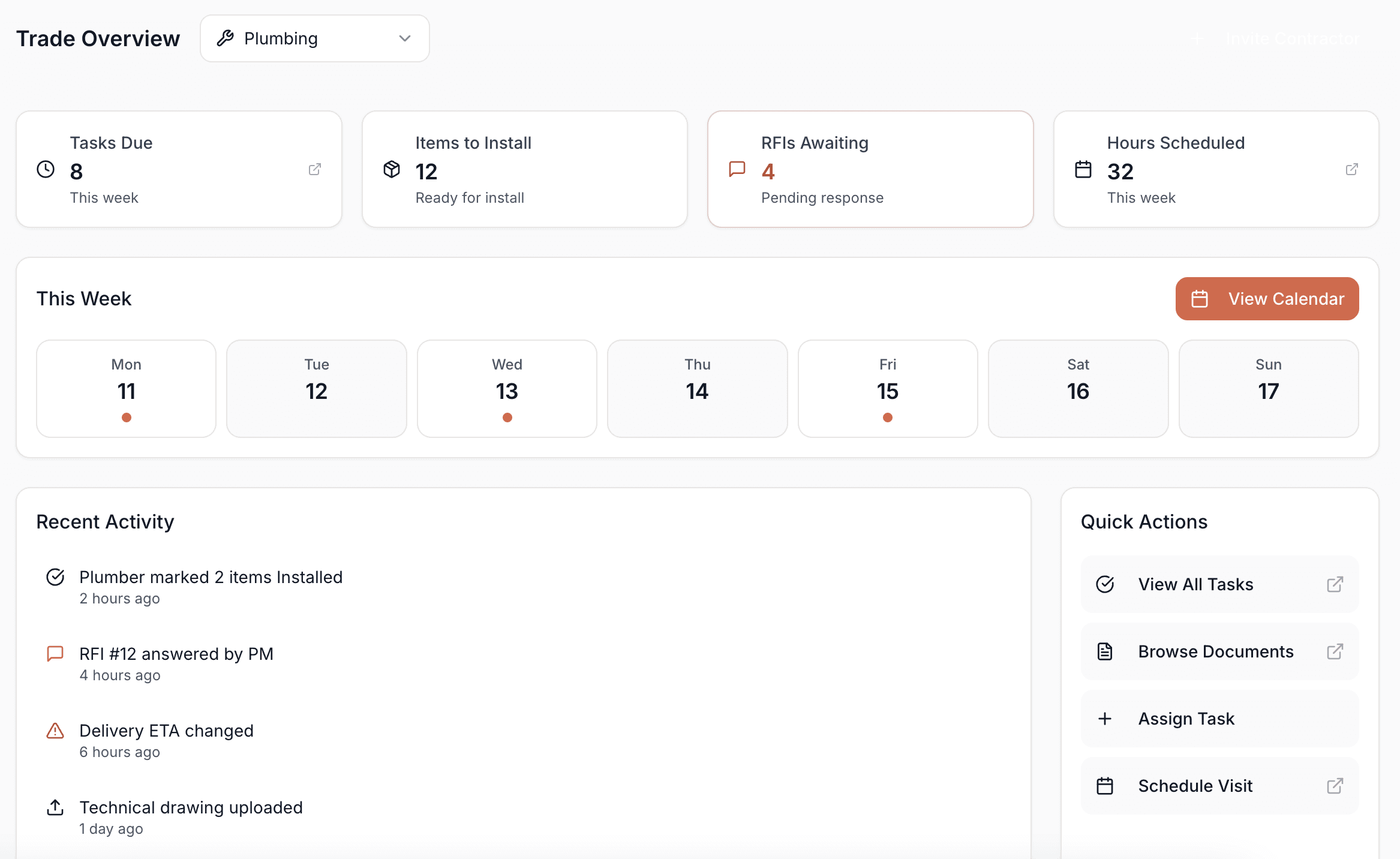
Contractors, drawings, and schedules in sync
Keep site teams aligned with a secure contractor portal covering drawings, schedules, and items to install — with every action logged.
- Every contractor action logged, with escalations tracked and insurance on file
- See the schedule and assigned work by phase, room, and day
- Share procurement items with specs, install notes, and status
Connected to your entire workflow
Projects integrates seamlessly with the rest of the Techstyles platform.
Frequently asked questions
Common questions about project management in Techstyles.
How do phases and timelines work?
Plan projects in phases with a visual timeline for phases and installs. Budget, margin, tasks, POs and milestones update in real time so status stays clear across the team.
Can I track time on tasks?
Yes. Start a timer on any task and the time rolls into time-tracking and billing automatically.
How are drawings approved?
Drawing packages are versioned and move through a 5-stage approval pipeline, and can be shared with contractors.
Is procurement visible inside projects?
Yes. Track lead times, deliveries and approvals across every item from within the project — no spreadsheets required.
How is Techstyles different from Asana or Monday?
Unlike generic project tools, Techstyles is purpose-built for interior designers and architects — with procurement tracking, client approvals, product libraries and financial tools designed around how design studios actually work.
Is Techstyles suitable for small studios?
Yes. We're designed for studios of all sizes — solo designers get everything in one place, while larger teams benefit from collaboration and role-based permissions. Pricing scales with your team.
Run every project with clarity and control.
Project management, docs, procurement and billing designed for interior design studios.